Trastienda · your store's dashboard
Behind your store, your whole business
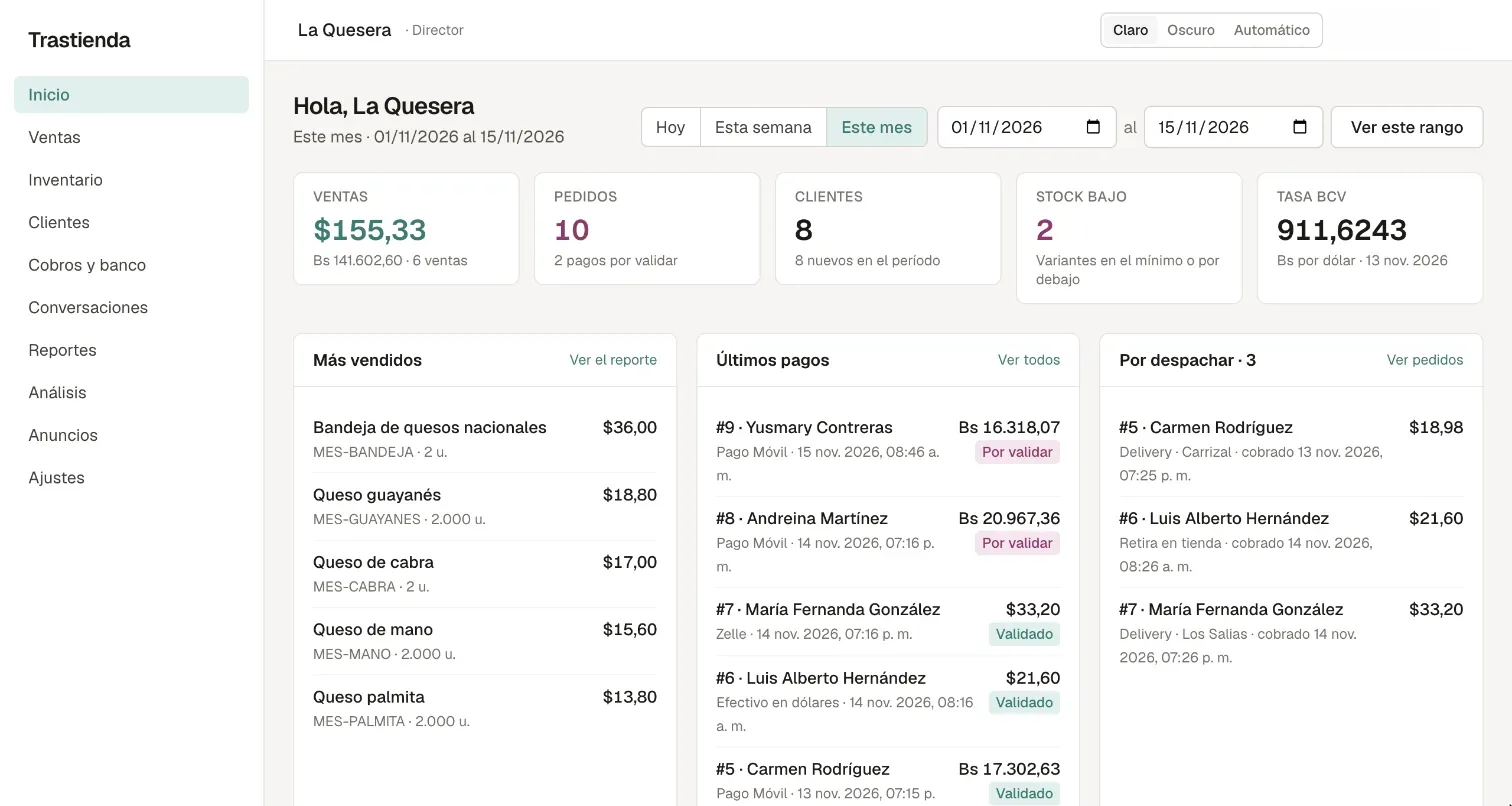
Your store comes with your dashboard: you see your sales, verify payments, run your inventory and get to know your customers. From your computer or your phone.
 Sample data, in Spanish
 Sample data, in Spanish
01
Orders
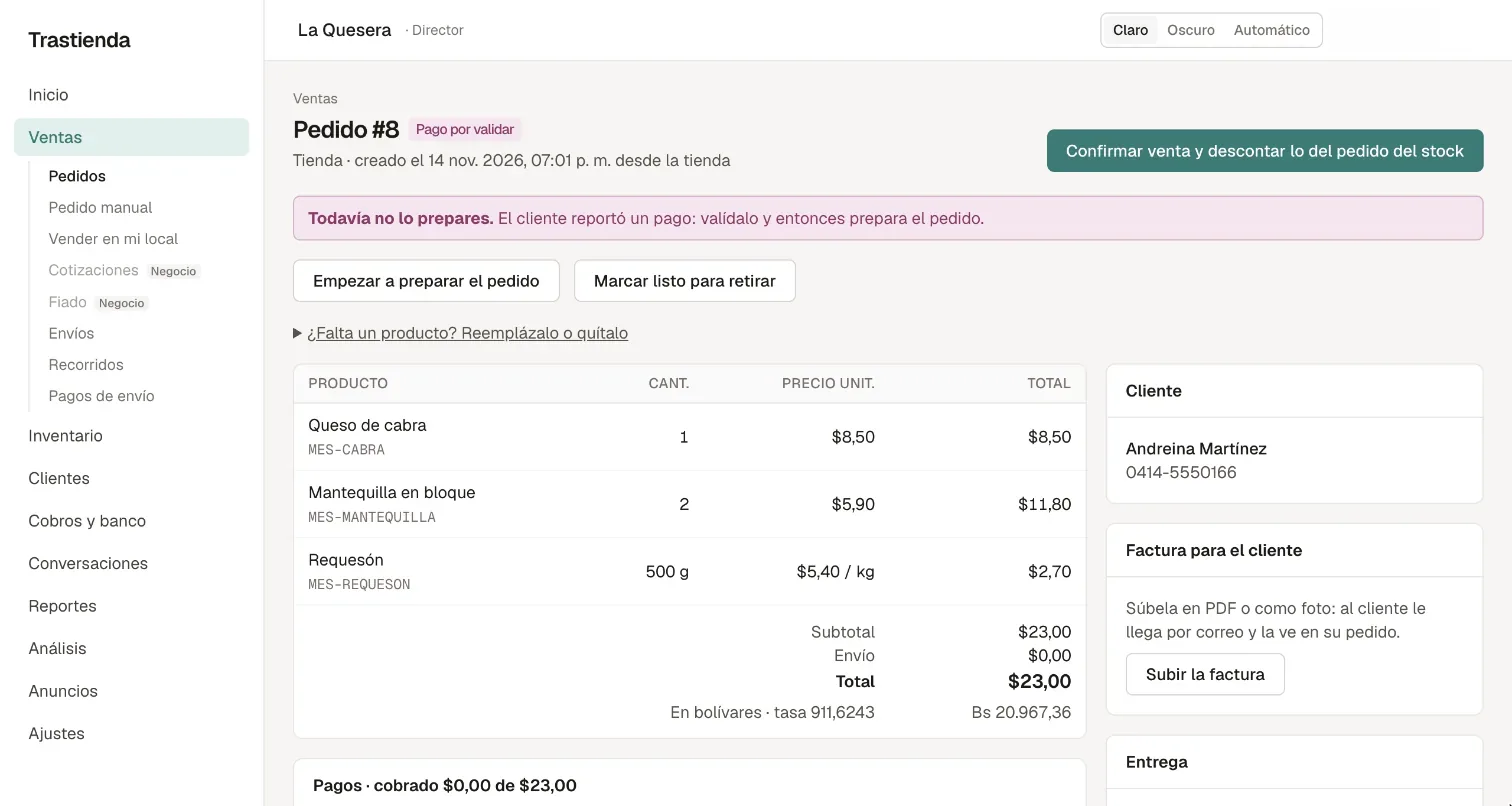
You verify the payment and prepare the order, with the day's rate saved on each one.
 Sample data, in Spanish
02
Payments
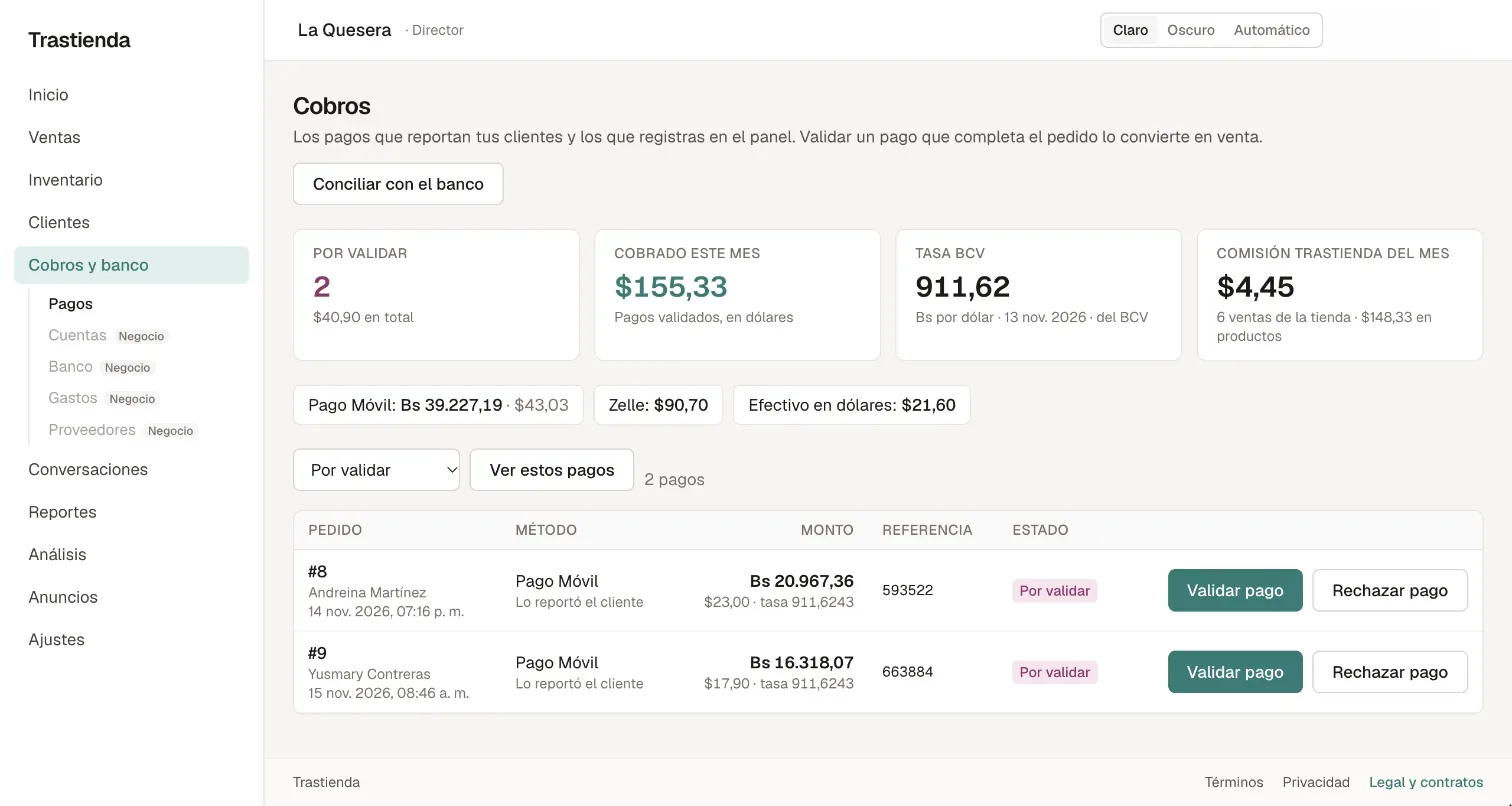
What's still to verify and what you've collected, in local currency and in dollars.
 Sample data, in Spanish
03
Inventory
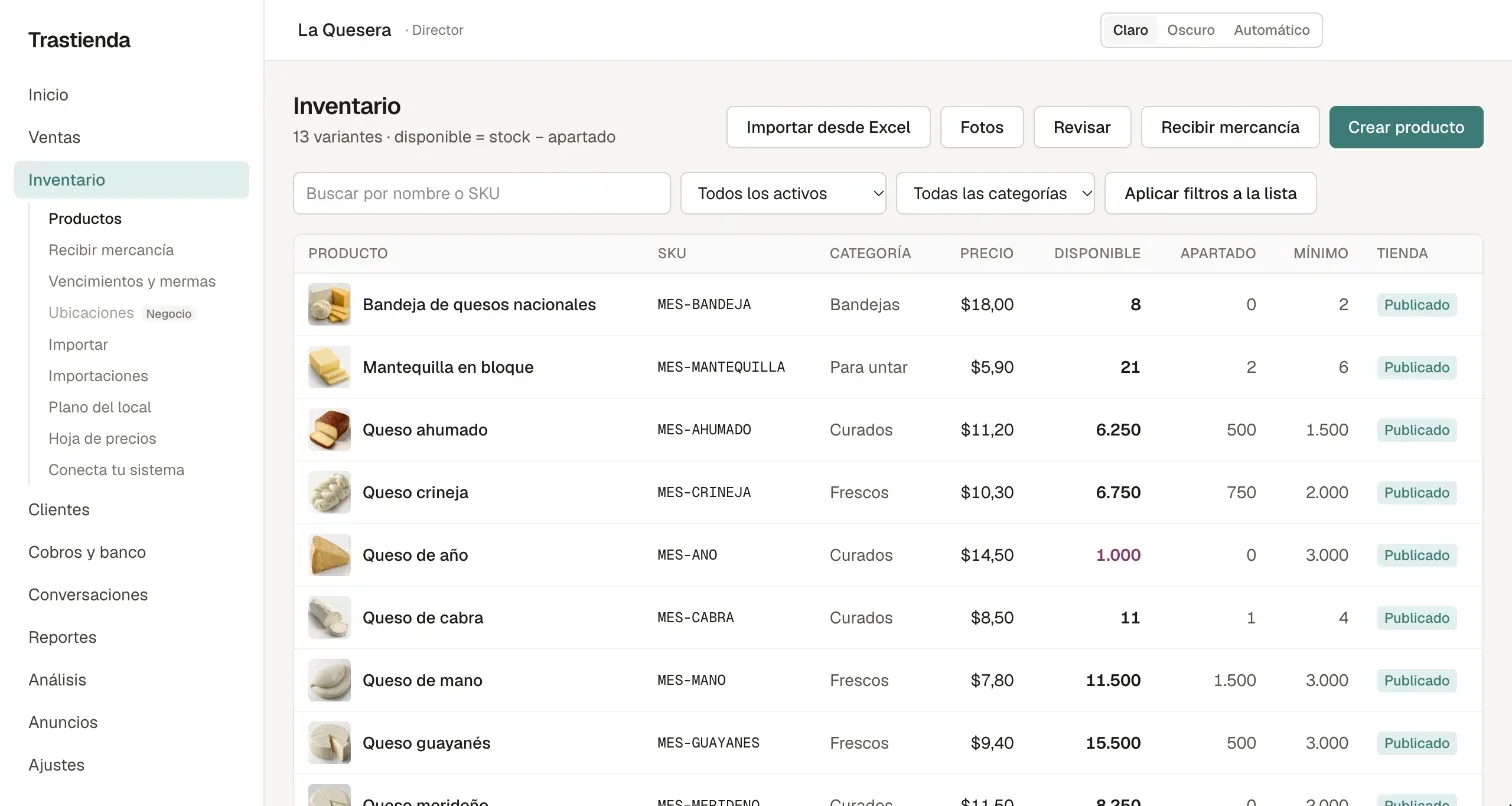
It goes down with every sale and lets you know what's running out.
 Sample data, in Spanish
04
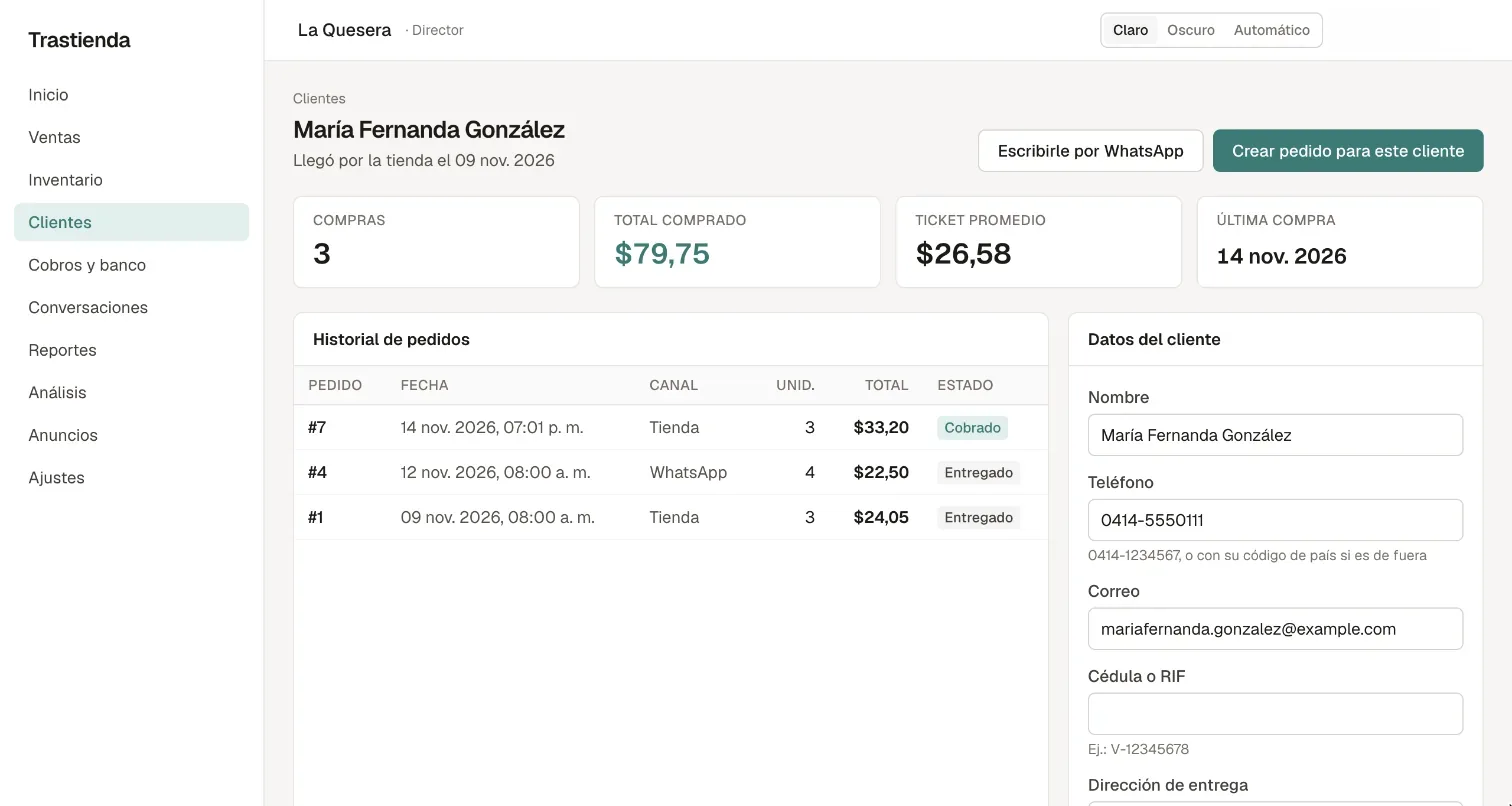
Customers
Each customer with their history, ready for the next sale.
Your inventory
What you sell outside your store
You have one inventory for your store, your website, your WhatsApp and your shop. What your online store sells comes off on its own when you approve the payment. What you sell outside it (in your shop, by phone, on Instagram or at a fair) you record in your dashboard: right then it leaves your inventory and goes into the stock ledger with who did it and why. That way your store never offers something you already sold.
01
Search the product by name or SKU, take the payment and it leaves your inventory on the spot. Send the receipt by WhatsApp or print it.
All plans · cash register with opening and closing from Store
02
For sales by phone, Instagram or in person: each product in the order leaves your inventory and goes into the ledger with the order number.
All plans
03
“Record sale” takes off a quick sale; “Adjust stock” fixes a count (+ or −) with its reason, and “Waste” removes what was damaged or expired.
All plans
04
If you keep your stock in a Google Sheet, when you change it your inventory updates on its own in under a minute. On the Super plan you can also connect your system (Profit, Saint, Valery…).
Google Sheet on all plans · your system on Super
What you don't record doesn't come off: if you sell in your shop and don't log it, your store will keep offering that item. When you count your stock, adjust it with the reason and the ledger shows what happened.
Depending on your plan
And everything else your business needs
Sell in your shop from your phone or computer; open and close the register and it tells you if it adds up.
Order from your suppliers, the goods go into stock on their own and you know what you owe.
Record rent, wages and waste, and match your bank statement with your payments.
How much each product earns you, and your reports in Excel.
Answers, quotes and holds orders on your WhatsApp. It never confirms a payment.
Invite salespeople, warehouse staff or your accountant, each with their own permissions.