One single line, start to finish
Open your store step by step
We walk you through it. Anything you leave for later is saved, and you pick it up whenever you like.
- Step 1
Your name
You type your business name and we build your address from it: yourbusiness.trastienda.net. It's easy to say out loud, to put on your Instagram and to print on your packaging. It's yours from day one.
- Step 2
Your identity
Before we dress your store, we get to know your business. We ask you a few simple questions —what you sell, who you sell to, what makes you different and how you want to be remembered— and from your answers we put together your brand identity: your business's promise, your tagline, your colors, your typography and the tone you use with your customers. It's what makes your store look like no other and get recognized at first sight. Everything that comes next starts there: the template, the copy, the photos and your ads.
- Step 3
How it looks
You choose one of the thirteen templates, the one that best fits your line of business: some are for products, others for services and trades. It starts out dressed in your identity —your logo if you have one, your colors, your tagline and your promise— and looks just as good on the phone as on the computer.
- Step 4
Your products
You upload your list in Excel or keep it in your Google Sheet, on every plan: each product comes in with its price, its options and its stock. On the Super plan you can also connect your system (Profit Plus, Saint, Alegra, Bsale or Siigo; Valery, by exporting a file): your catalog loads itself, new products are created on their own, and prices and stock stay up to date. We only read your system: we never change anything in it.
- Step 5
The photos
We look for each product's photo by its name and code. The ones that are missing, you take with your phone from the dashboard, and they're ready for the store.
- Step 6
How you get paid
You check the methods you already use: Pago Móvil, bank transfer, Zelle, Binance or cash. Your customer sees the amount in dollars and in their local currency (in Venezuela, in bolívares at the day's rate), pays on their own and reports the reference to you.
- Step 7
Publish
You publish and share your address and your QR code: on your profile, by WhatsApp, at your counter and on your packaging. From that moment on, your customers buy without having to ask you the price.
And after you publish
What your customer sees and what you see
Your customer buys or books from their phone, with nothing to download. At that very moment, you see it in Trastienda.
- 01
They enter your store
What your customer sees 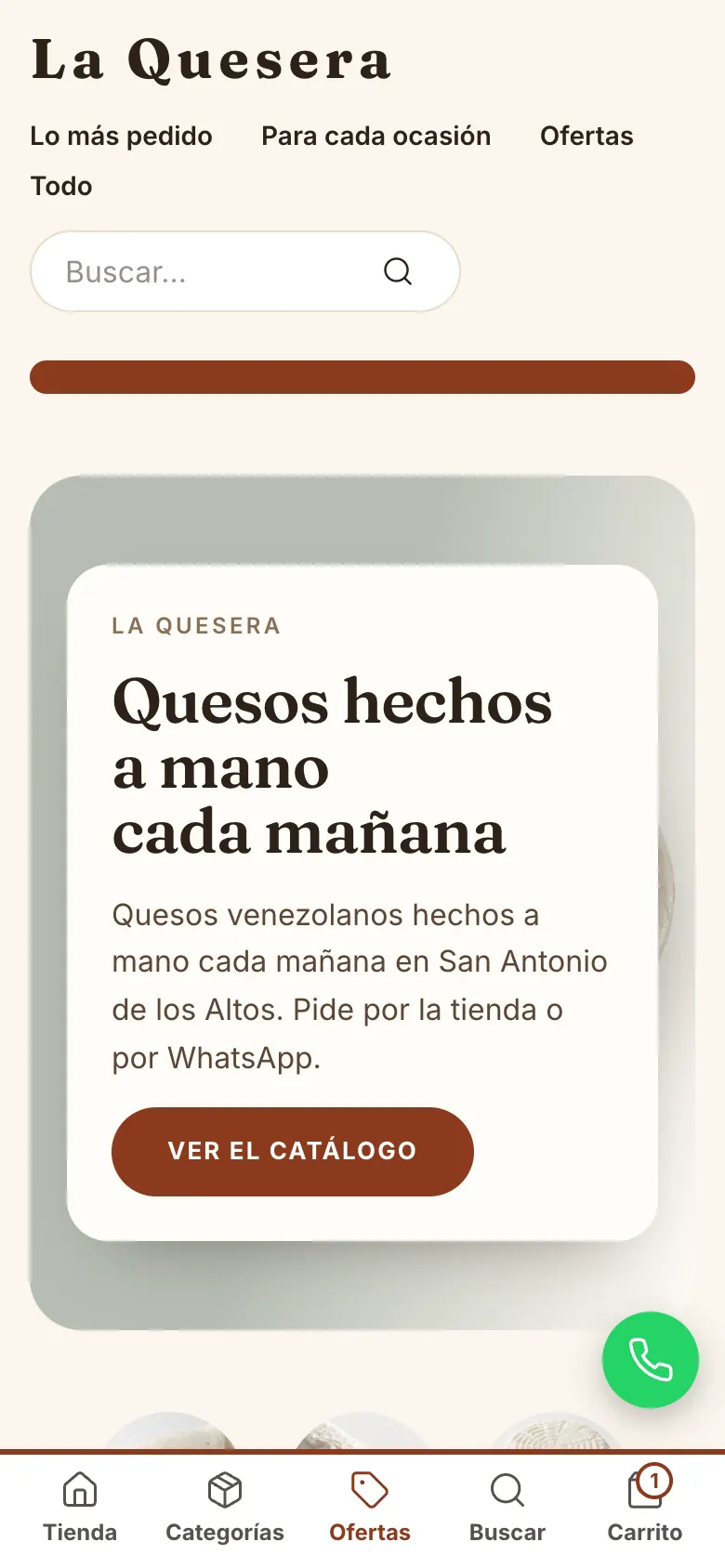
They open your address from your Instagram or your WhatsApp, with nothing to download: they see your brand and your products.
What you see in Trastienda You see your business at a glance: what you sold and collected today, the week and what's waiting for you.
- 02
They choose and see the price
What your customer sees 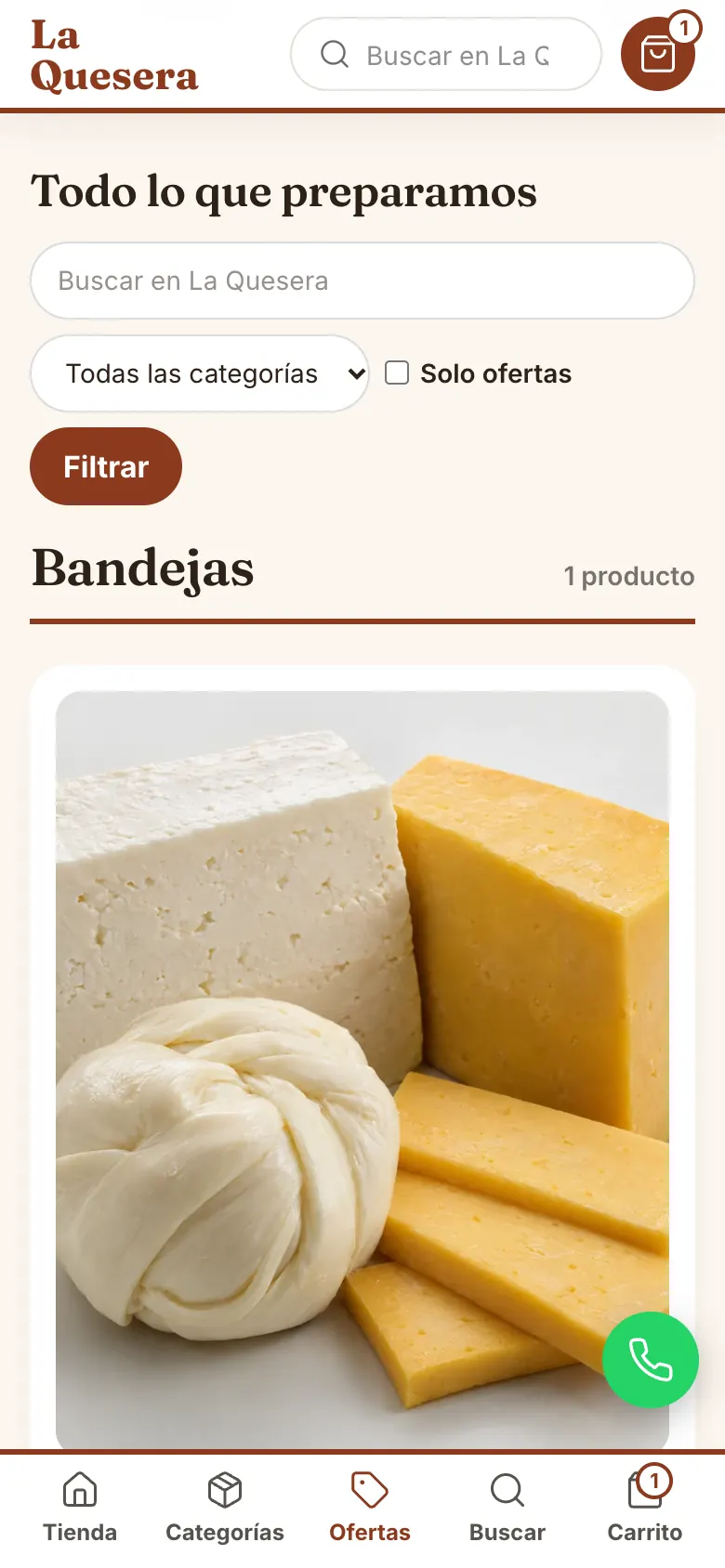
They search by category and see the photo and the price in dollars and in local currency, without having to ask you.
What you see in Trastienda You see your stock up to date: every sale comes off on its own and you get a notice when something is running out.
- 03
They order and pay
What your customer sees 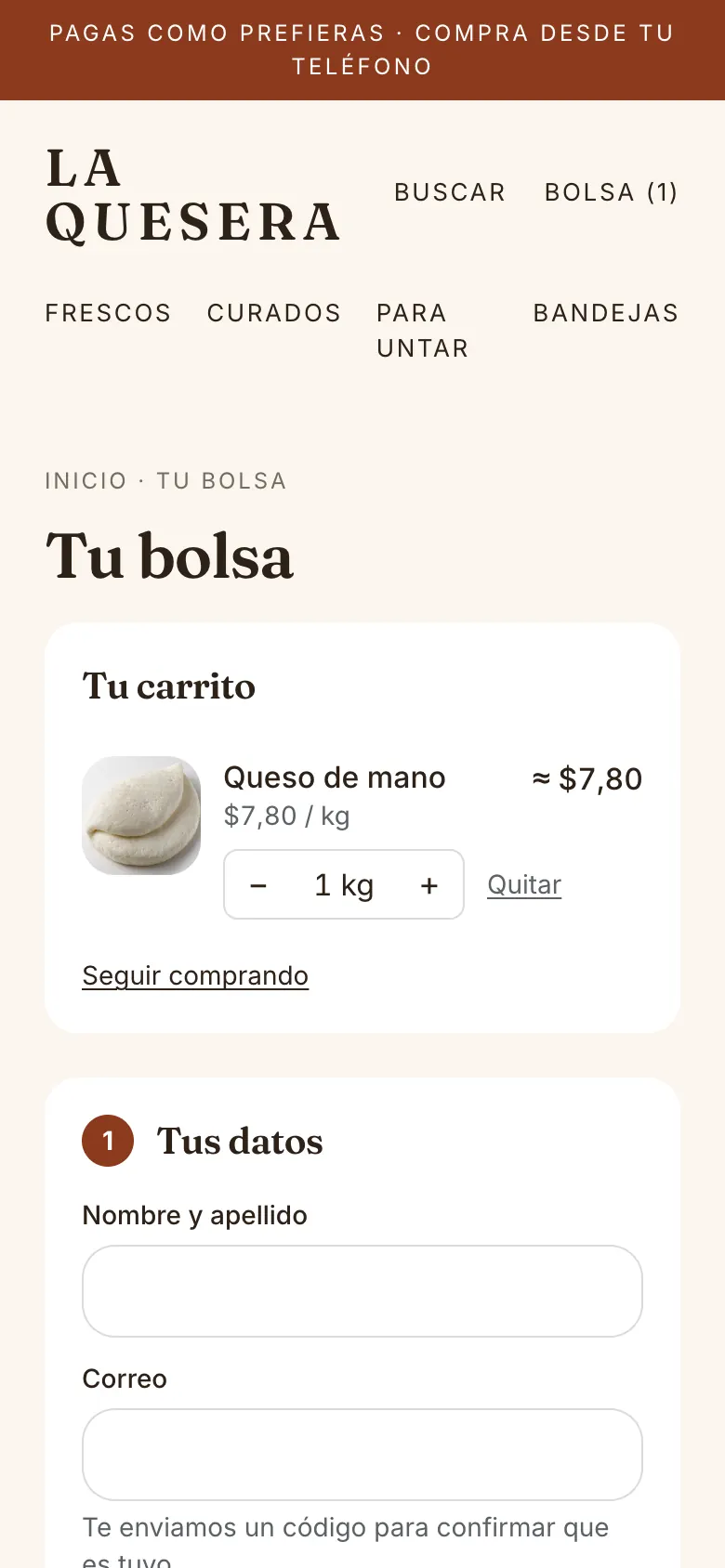
They fill their cart, leave their details, choose pickup or delivery and pay you by Pago Móvil, Zelle or however they like.
What you see in Trastienda You get the order with its payment to verify: you verify it, prepare it and ship it from here.
Screenshots of a sample store (La Quesera), in Spanish; the names and amounts are examples.